
R2 HardCore
Legacy
Help center

Errors and solutions

This page contains the most common problems when launching the client, launcher and game. Choose the required error and follow the steps. If the problem remains, contact project support.

Launcher solutions
Common client errors
Discord support

What to check first

  • Run the launcher and game as administrator.
  • Temporarily disable antivirus during a full file check.
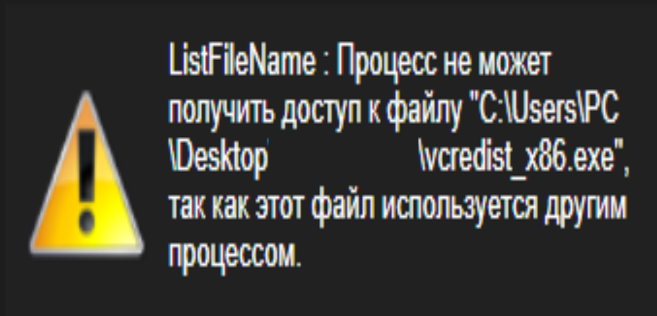
  • Check Visual C++ / vcredist_x86.exe installation.
  • If there are installation path problems, use a new empty folder.

Error XINGCODE 0000007e

XINGCODE anti-cheat problem when launching the client.

Error 1
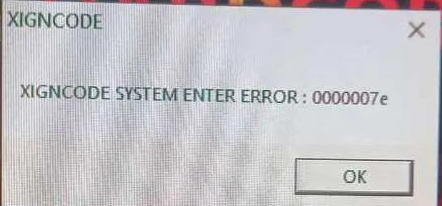
Error XINGCODE 0000007e
Solution
Install vcredist using the link below. Then delete the XINGCODE folder in the game folder, start the launcher and perform a full update with antivirus disabled.
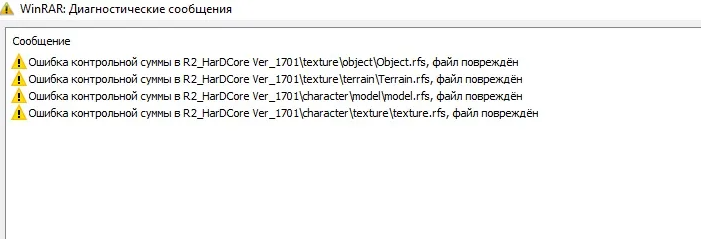
Unpacking error / damaged archive

Appears while unpacking the client or launcher.

Error 2
Error распаковки
Solution
Use the latest WinRAR version. If the problem remains, download the client again.

Launcher problems

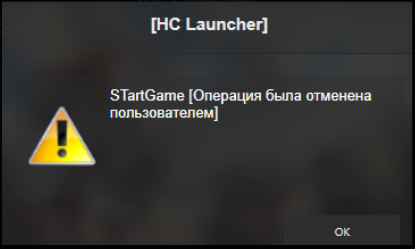
The launcher starts with an error or does not open correctly.

Error 3
Launcher problems
Solution
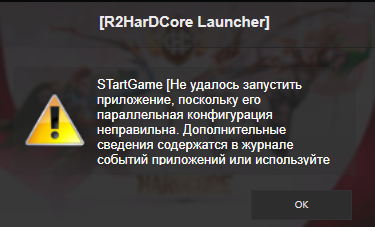
Install vcredist_x86.exe from the client folder. After installation, run the launcher again.

C++ error when clicking “Start game”

The client does not start and shows a library or graphics error.

Error 4
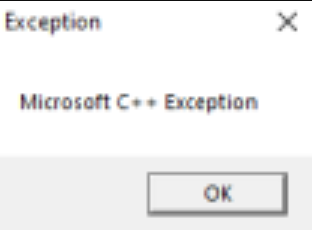
Error C++
Step-by-step solution
  1. Install vcredist_x86.exe and Visual C++ v56.exe from the game folder.
  2. If this does not help, delete the etc, gui and effect folders, then run a file integrity check through the launcher.
  3. Open Windows “Graphics settings”, add R2ClientRU through “Browse” and select power saving mode.
  4. If the error remains, contact project administration in Discord @HC.

Invalid login data

Authorization error in the launcher or in-game login.

Error 5
Error входа
Solution
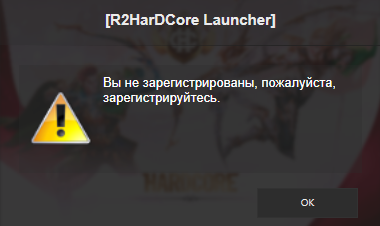
Check that your login and password are correct, including uppercase letters and no spaces at the beginning or end. If the problem remains, change your password in the account center or contact an administrator in Discord @HC.

Launcher startup error

Temporary failure of the update client or launcher.

Error 6
Error лаунчера
Solution
Close the launcher completely and start it again. In some cases, you may need to reinstall the launcher.

Invalid installation path / file blocked

Error when selecting the client folder or launching R2ClientRU.

Error 7
Error пути установки
Step-by-step solution
  1. In the launcher, choose a different path to an empty folder for the client.
  2. Example: C:\5\R2HarDCore. The client should download again through the launcher.
  3. Standard options: C:\R2HarDCore or C:\Program Files (x86)\R2HC Launcher.
  4. If the problem is related to the client file: find R2ClientRU → right click → Properties → Unblock.